Built for the Street, Trusted by Businesses

All in one business control app for shops and services.

Manage products and services, menu, sales, expenses, customers, report, and business management, all in one platform. Perfect for shop owners, service providers, and growing businesses that want serious results without the complexity.

1,000+ Active Businesses
50M+ Sales Recorded
99.9% Uptime
Your Complete Business Manager

Your Business Manager

Inventorygram gives you the control of a traditional inventory system, then connects it with sales, orders, expenses, customers, staff, reports, online selling, and business assistant support.

Live business pulse Today
Sales recorded 128
Low stock alerts 7
Expenses logged 14

Track Stock

Manage products, services, menus, categories, tags, suppliers, stock levels, reorder points, and item records from one place.

Record Activity

Sales, carts, orders, subscriptions, receipts, payments, expenses, returns, and transactions all stay connected to your inventory.

See Reports

Understand stock movement, revenue, profit, expenses, subscriptions, craft project costs, serving activity, customers, staff performance, supplier activity, and online orders.

Modern Business Control

No more manual work and outdated softwares

Inventorygram replaces scattered notebooks, calculators, old POS tools, and disconnected spreadsheets with one simple system built for daily sales, stock, expenses, customers, and reports.

Before
  • Missing sales and stock records
  • Slow end-of-day calculations
  • Old software that staff avoid
With Inventorygram
  • Sales, stock, and expenses update together
  • Reports are ready when you need them
  • Works cleanly on phone, web, and POS devices
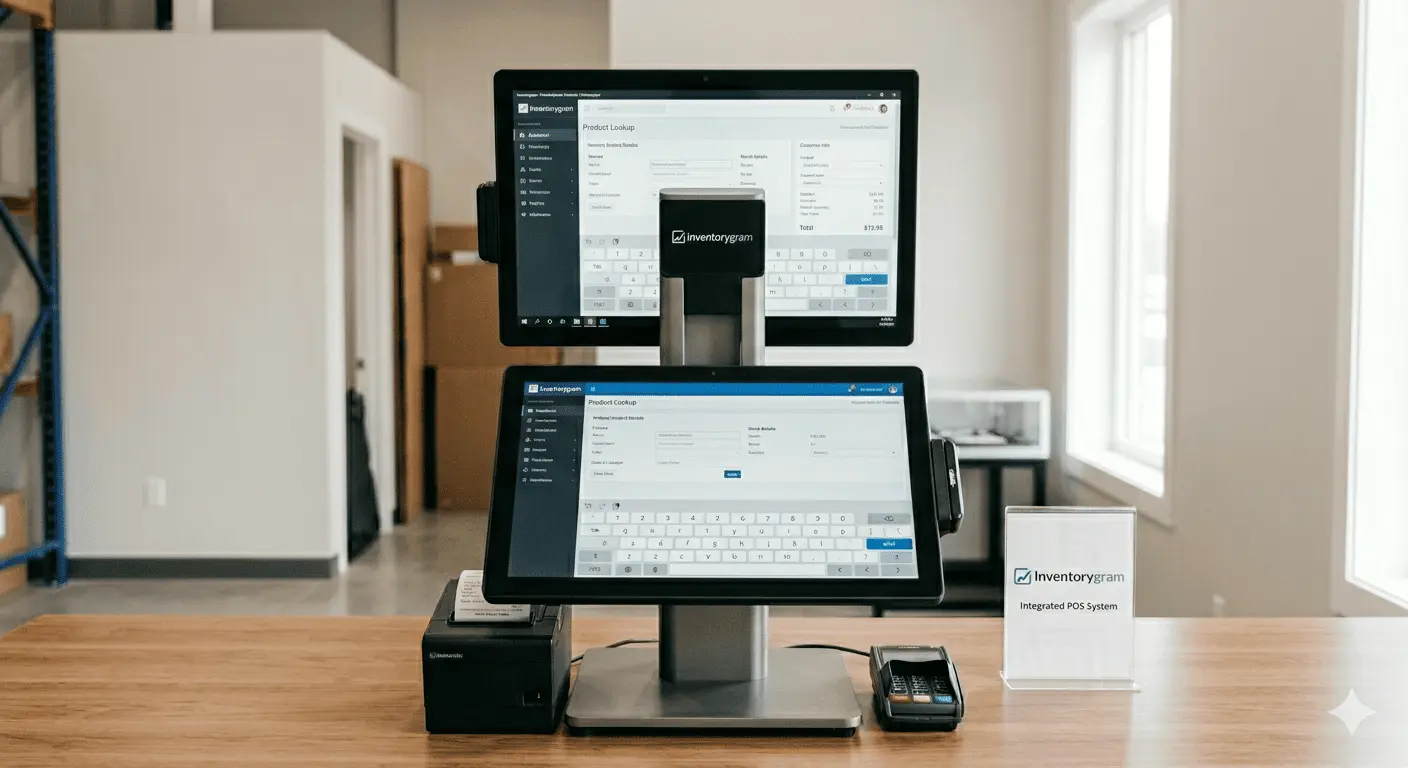
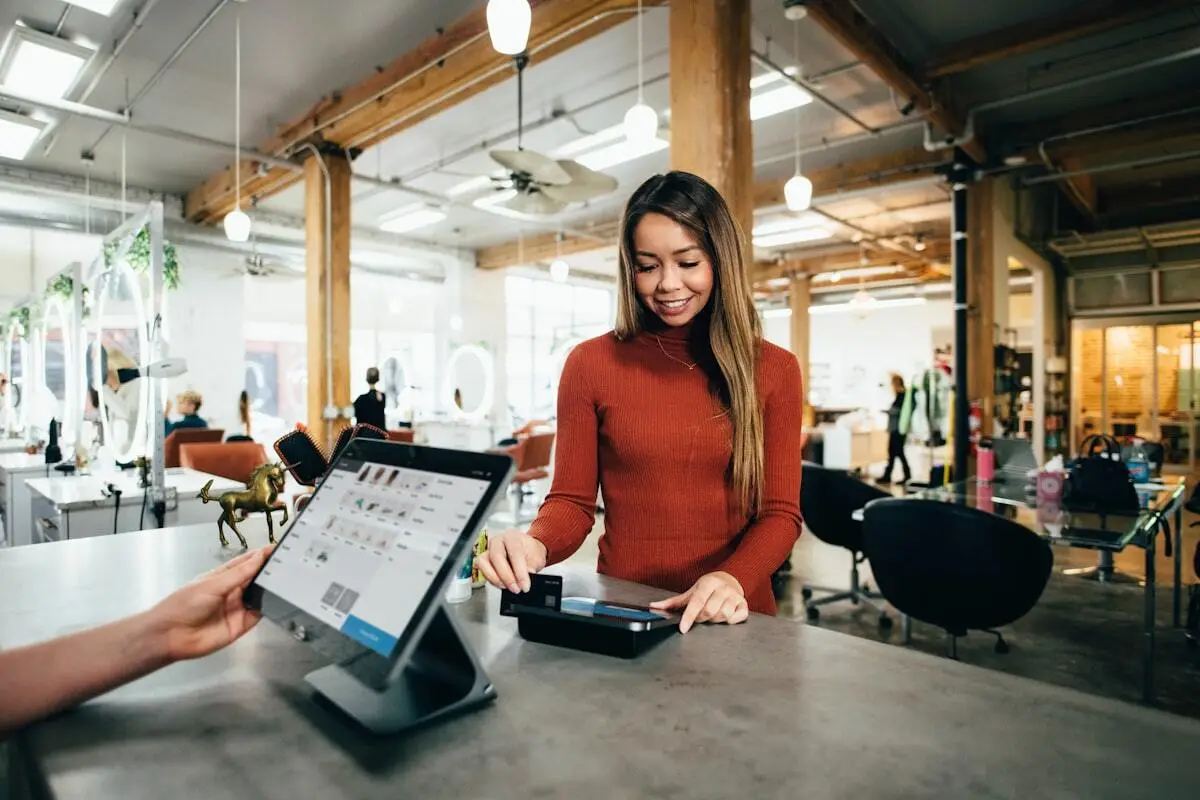
Modern POS system showing business software dashboard
Today's records Synced and ready

Record sales faster

Capture checkout details, receipts, payments, and customer history without rewriting anything.

Know your stock

See what is available, what is running low, and what needs attention before it affects sales.

Make cleaner decisions

Use real reports for revenue, expenses, profit, products, customers, staff, and daily operations.
What Inventorygram Offers Today

Inventory Plus More

It starts with proper inventory control, then adds the daily tools a business needs to sell, serve, collect, deliver, measure, and grow.

Business owner checking sales dashboard

One system for business records

Inventorygram keeps your item records, sales records, financial records, people records, and online records working together.

Sales Stocks (Products & Services) Subscriptions Craft Projects Serving & Tables Orders Online Sales Receipts Expenses Shops Staffs Customers Reports
Businesses That Need It

Businesses That Need It

Any business that sells products, offers services, handles orders, tracks stock, records expenses, or needs customer history can run better with Inventorygram.

Retail Shops

Stock, sales, suppliers, receipts, and reorder alerts.

Service Businesses

Services, subscriptions, customers, billing, and staff delivery.

Restaurants & Cafes

Menus, orders, daily supplies, pricing, and sales records.

All Businesses

Products, services, expenses, receipts, and customer history.

All Businesses Retail Shops Supermarkets Pharmacies Restaurants Warehouses Cafes Salons Repair Shops Fashion Stores Electronics Stores Provision Stores Service Providers Freelancers Mobile Vendors Multi-branch Shops Workshops Fitness Centers More
Team reviewing connected business operations
Beyond Inventory Management

Beyond Inventory

Inventorygram handles the complete flow around stock: sales, orders, receipts, expenses, subscriptions, craft projects, serving, customers, staff, suppliers, transactions, and reports.

  • Sales & Receipts - Record transactions, process payments, and generate clean documentation instantly.
  • Customer Subscriptions - Build recurring revenue with service plans, renewals, discounts, and billing cycles.
  • Craft & Projects - Plan custom jobs, track materials and labor, and follow every project through delivery.
  • Serving & Tables - Manage tables, take serve orders, and keep kitchen or service workflows moving.
  • Customer Memory - Keep purchase history, contact details, preferences, and loyalty context available.
  • Expenses & Profit - Log costs and see how revenue, spending, and margins affect the business.
New Capabilities

Customer Subscriptions, Craft & Serving

Inventorygram goes beyond daily sales with three powerful workflows built for recurring revenue, custom jobs, and restaurant or service floors.

  • Customer Subscriptions - Turn services into recurring revenue with plans, renewals, discounts, and billing cycles.
  • Craft & Projects - Quote custom jobs, allocate materials and labor, track milestones, and deliver on time.
  • Serving & Tables - Organize tables, take serve orders, monitor kitchen status, and close checks smoothly.
Business owner managing subscriptions and craft projects
Subscription renewed
Craft milestone done
Global Visibility

Your Online Store

Turn products, services, and menus into a visible online catalog with cart orders while your stock and records stay connected.

  • Publish a searchable catalog with product and service details
  • Accept online orders through a cart and checkout flow
  • Share your store through links, QR codes, and customer channels
  • Sync online demand with stock, orders, customers, and reports
Online store dashboard
Live Store Open to customers
Features

Feature Coverage

Traditional inventory management, sales operations, business records, and online growth tools in one connected system.

Items Management Product Inventory Service Items Menu Items POS Sales Cart Management Customer Subscriptions Craft & Projects Serving & Tables Service Management Menu Management Order Management Expenses Reports Transactions Categories Tags Staff Management Customer Management Supplier Management Shop Management Online Store Web Orders QR Codes Barcodes Price Formulas
How to Use Inventorygram

How It Works

Set up your business, add your items, record daily activity, then use reports and alerts to stay in control.

1

Create Profile

Sign up, enter shop details, choose your business type, and set up the records your team will use.

2

Add Items

Create products, service items, menu items, categories, prices, images, suppliers, and stock levels.

3

Record Activity

Use POS, online orders, receipts, customer subscriptions, craft jobs, or serving orders to keep daily business records current.

4

Use Reports

Review sales, stock, customers, expenses, staff activity, and online performance to guide your next move.

Why Inventorygram

Built for Real Businesses, Not Just Offices

We understand the hustle. Whether you run a street shop, a service business, or a growing enterprise, Inventorygram gives you professional tools without the complexity.

  • Easy to Use

    No technical skills needed. Start tracking in minutes, not days.

  • Mobile-First Design

    Run your business from anywhere—your phone is your office.

  • Affordable Pricing

    Plans that grow with you. Start free, upgrade when ready.

  • Local Sales Support

    Capture sales the way your customers shop.

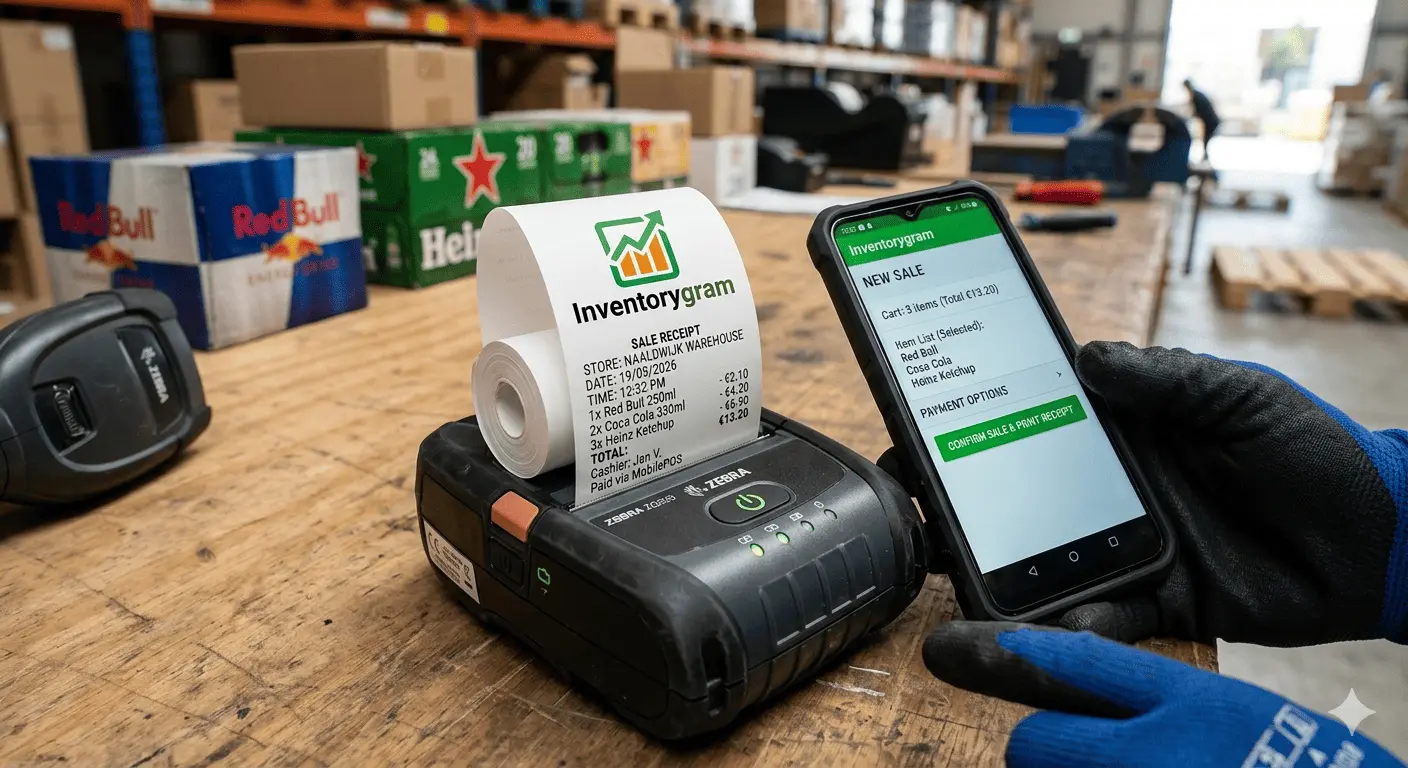
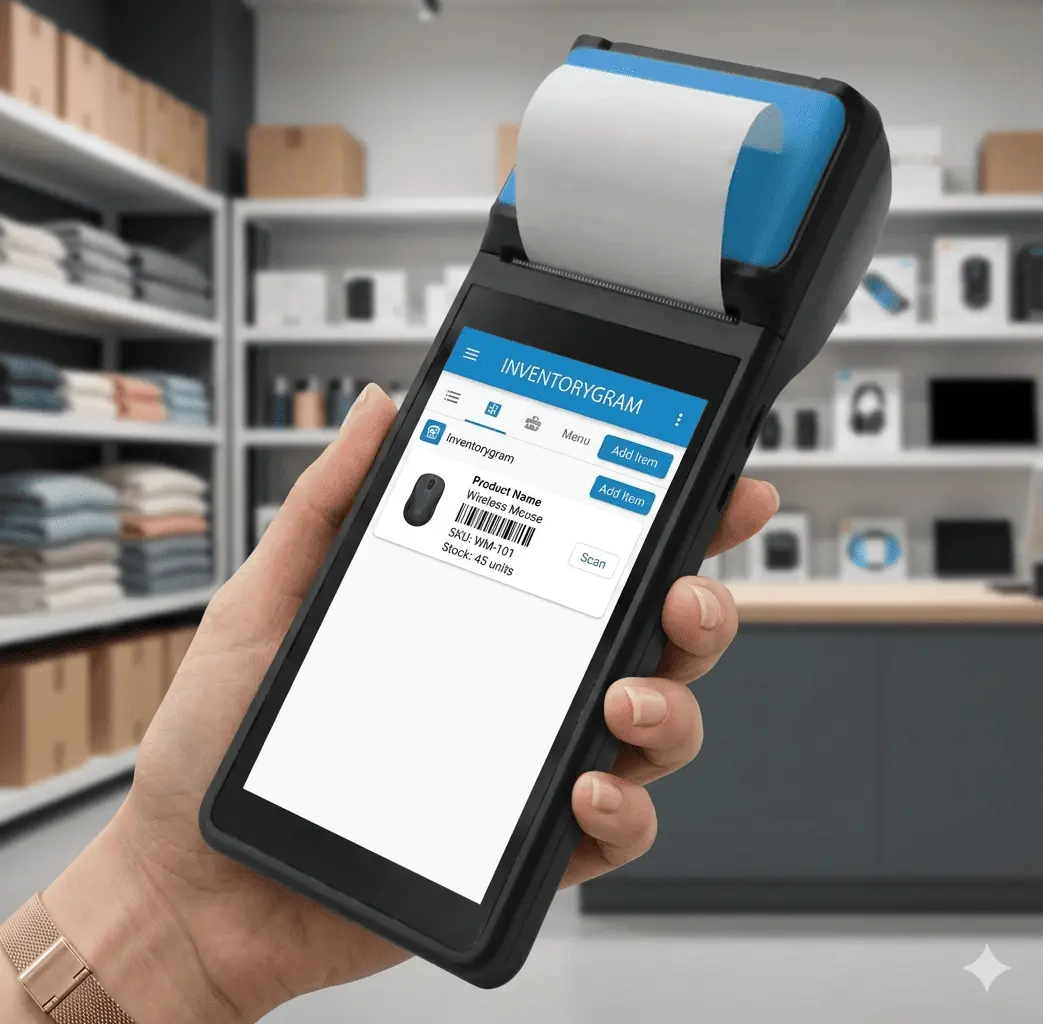
Business owner using mobile POS device
POS Kit

POS hardware for every checkout setup

Inventorygram works with dedicated hardware and your personal device so you can sell from the desk, the counter, or anywhere in the shop.

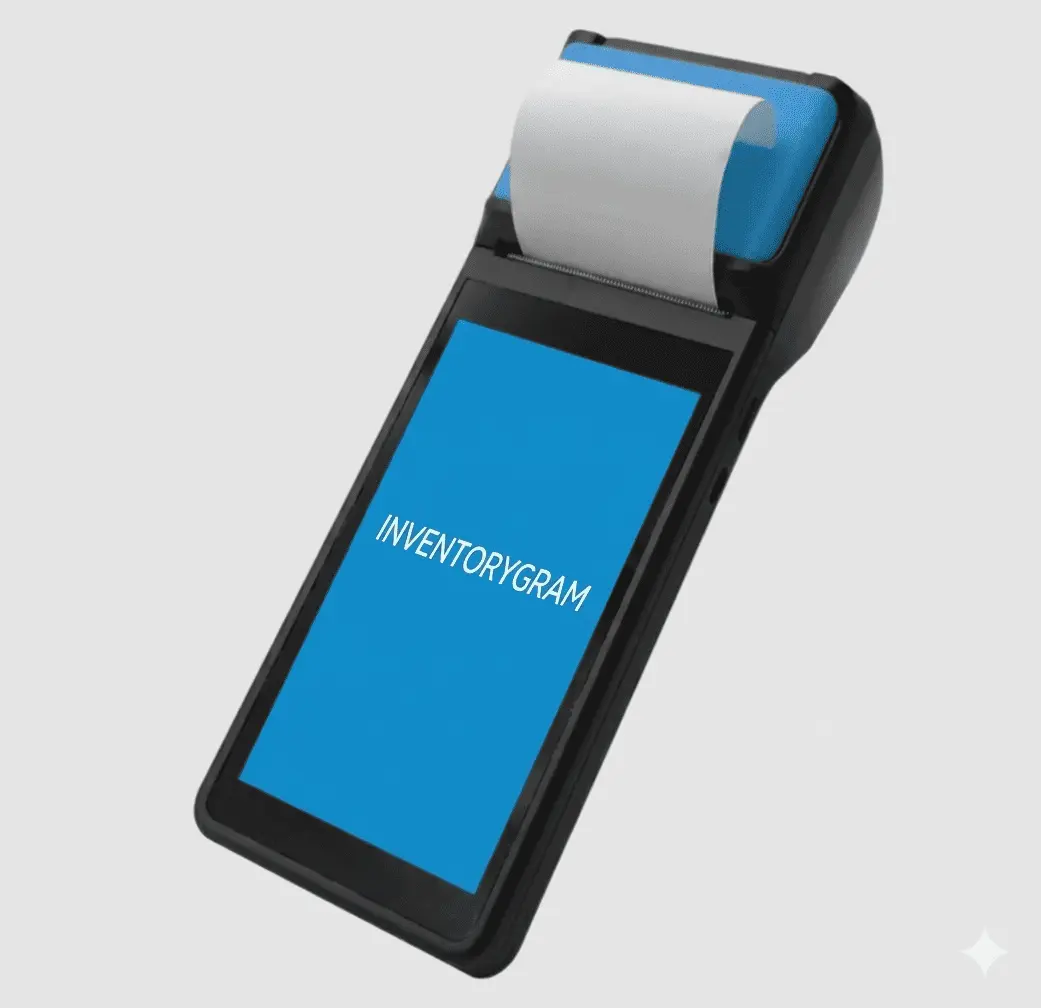
Mobile POS on a phone

Mobile POS

Use your phone as a quick checkout and inventory companion.

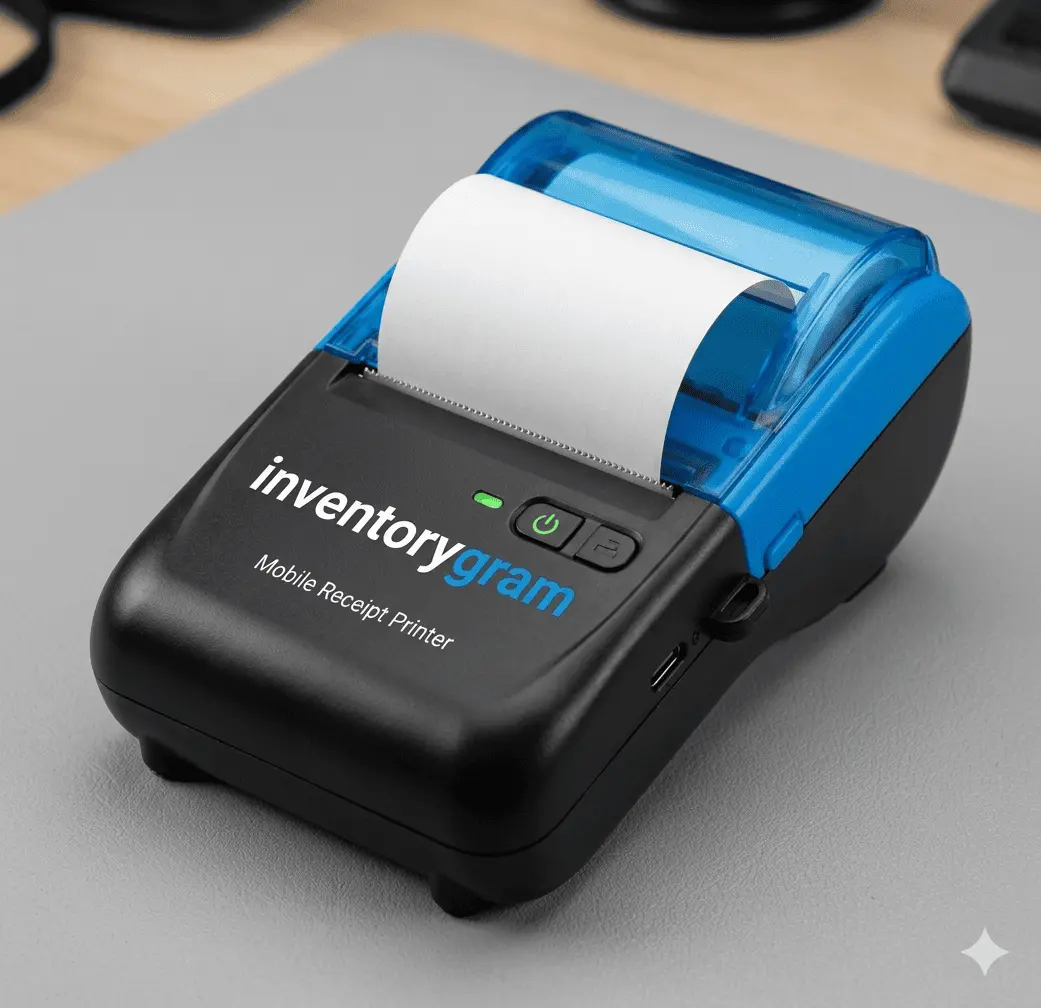
Receipt printer

Mobile Receipt Printer

Print receipts instantly at checkout.

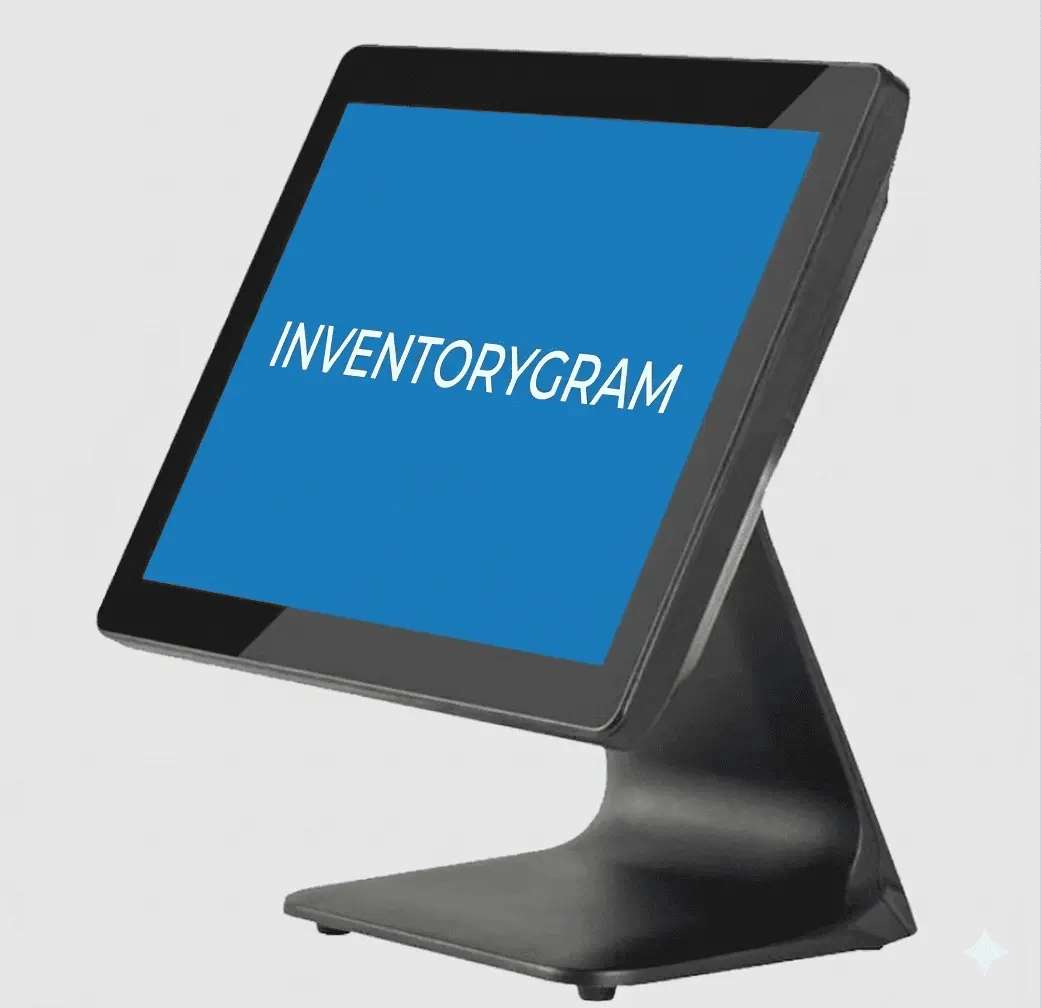
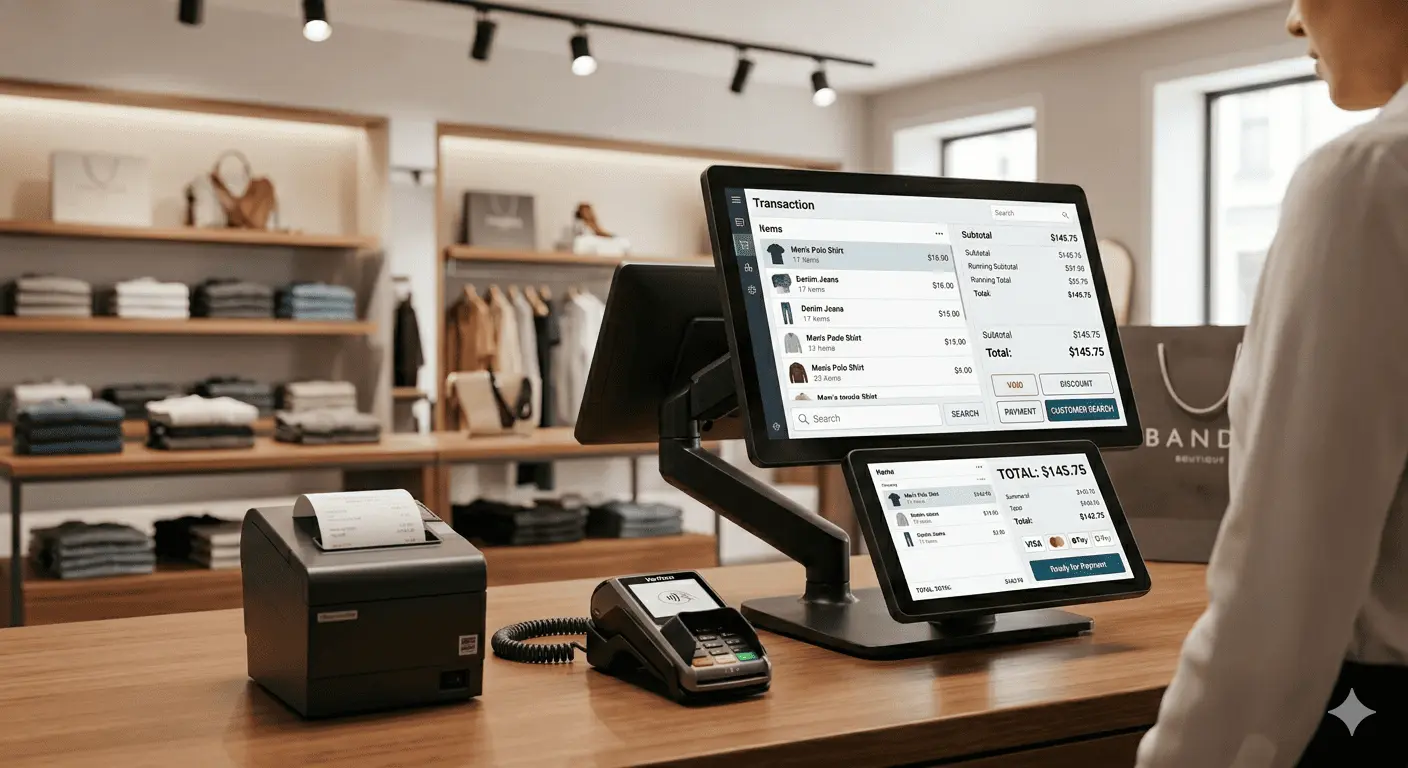
Desktop POS machine

Desktop POS

Set up a fast, stable terminal for front-desk sales.

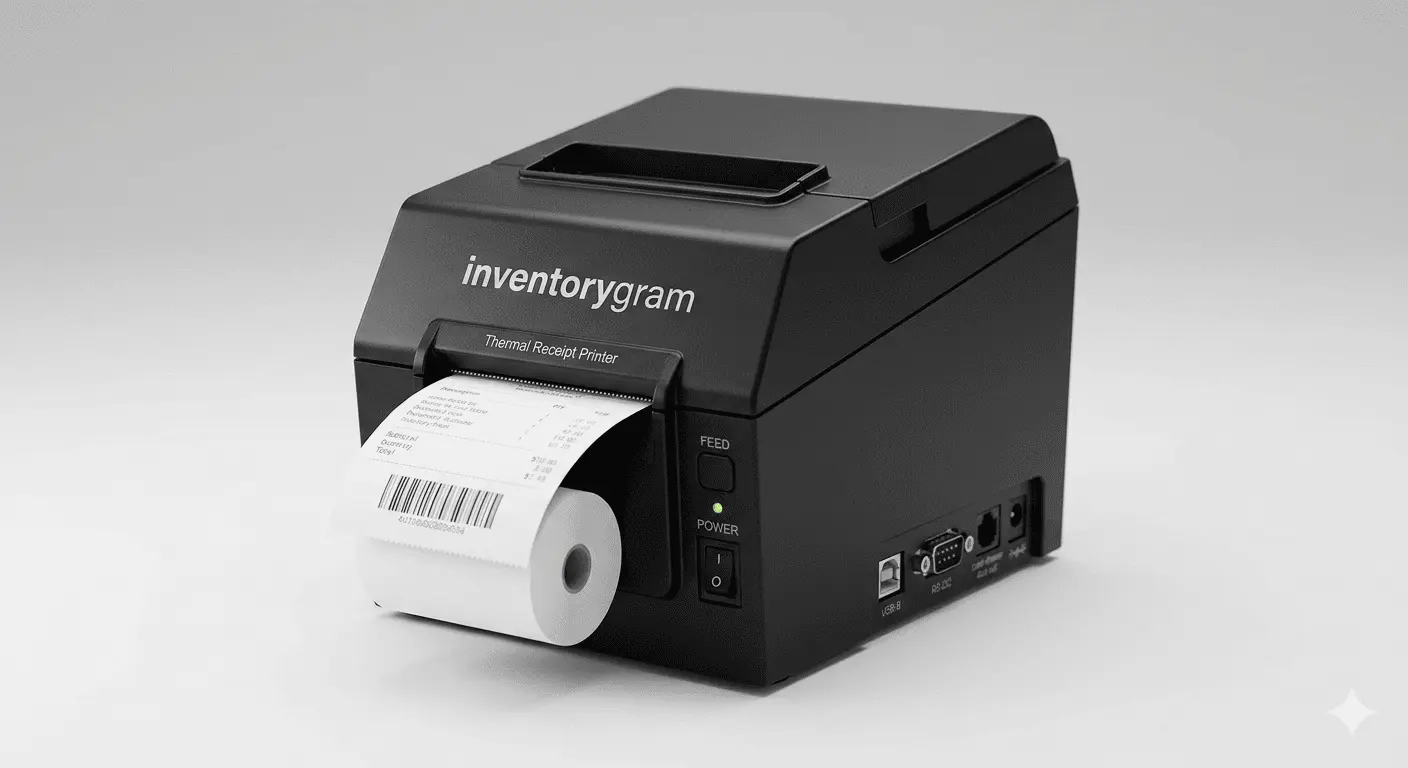
Receipt printer

Receipt Printer

Print receipts instantly at checkout.

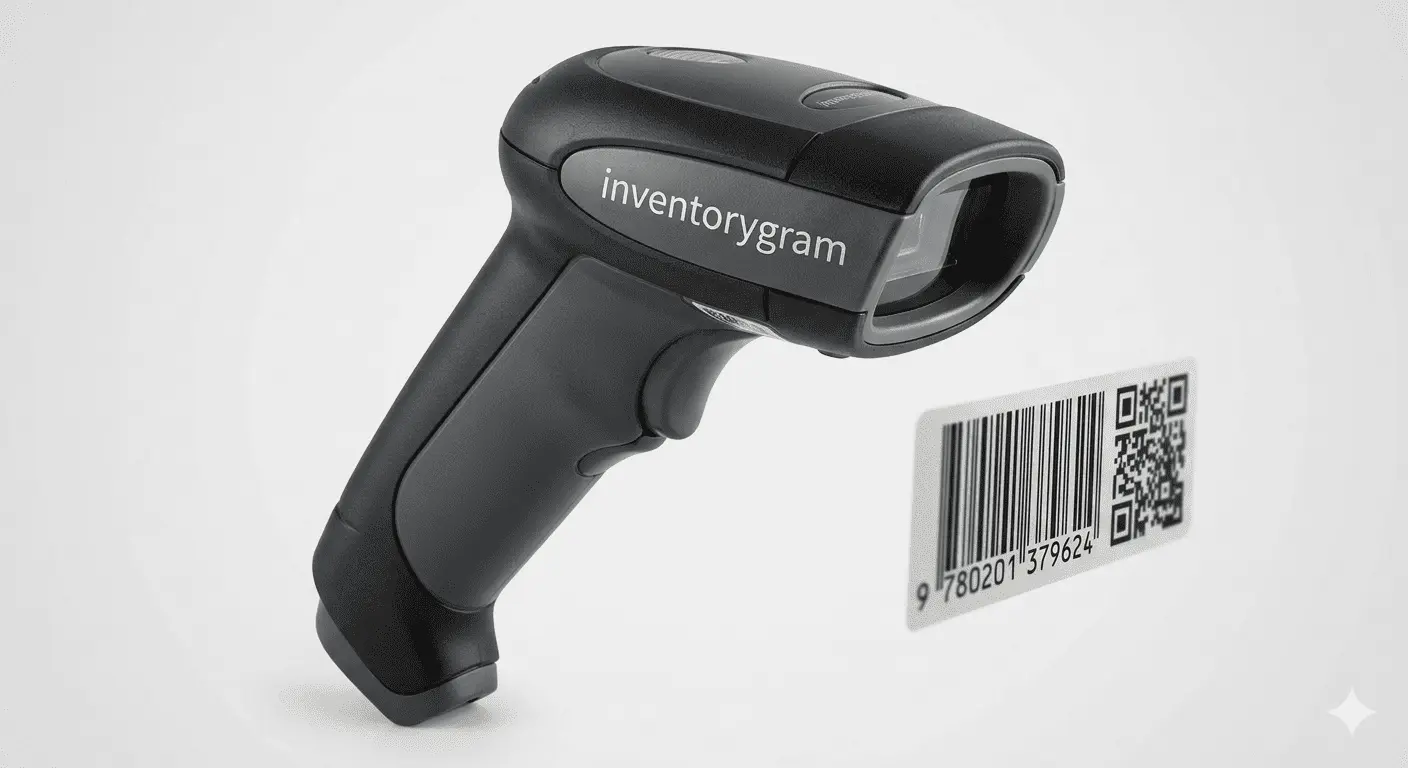
Barcode scanner device

Scanner & Barcode

Scan items quickly with POS-ready barcode hardware.

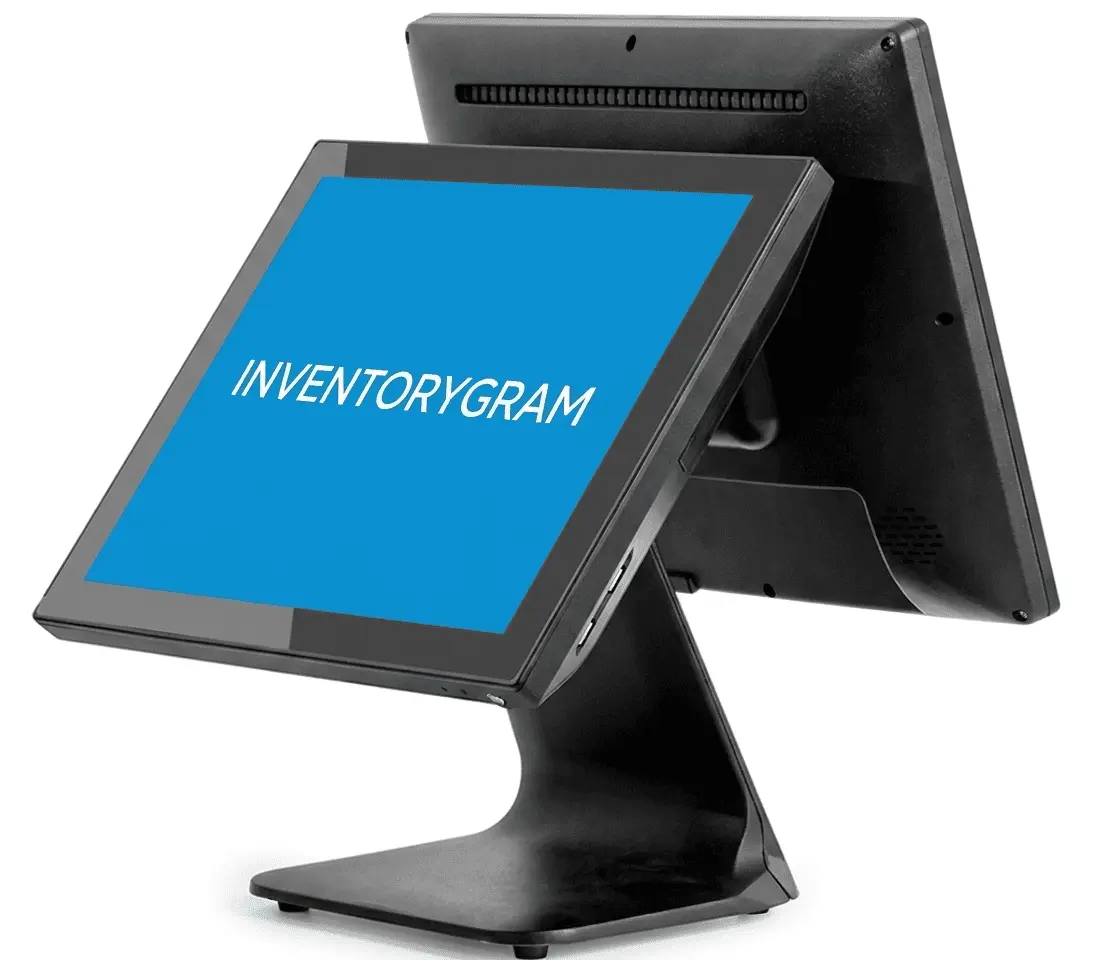
Desktop POS machine

Double Desktop POS

Set up a fast, stable terminal for front-desk sales.

Hardware or personal device

Flexible checkout with your choice of device

Run Inventorygram on your personal phone, pair it with a desktop machine, or connect printers and scanners for a complete point-of-sale setup.

  • Dedicated mobile and desktop POS systems
  • Receipt printer and barcode scanner ready
  • Works on your own phone or tablet too
  • Easy setup for shops, cafes, vendors, and counters
Contact Sales

Start Managing Smarter Today

Join thousands of businesses already using Inventorygram to grow. We give you full control over your business.

Testimonials

Trusted by Business Owners Like You

See what our customers have to say about transforming their businesses.

"Inventorygram changed how I run my shop. I can now track everything from my phone. No more lost sales or inventory confusion!"

AM

Adebayo Musa

Electronics Shop Owner, Lagos

"As a restaurant owner, managing inventory was chaotic. With Inventorygram, I know exactly what's in stock and what's running low. Game changer!"

CO

Chioma Okonkwo

Restaurant Owner, Abuja

"The reports feature helps me understand my business better. I make data-driven decisions now instead of guessing. Highly recommend!"

YB

Yusuf Bello

Fashion Store Chain, Kano

App & Software
Unified business toolkit

Accessible on All Platforms

Run your business from anywhere with Inventorygram's cross-platform availability. Access your dashboard on web browsers, Android devices, iOS devices, and desktop computers.

Keep your sales, inventory, customers, and reports synced on laptops, phones, tablets, and desktop computers.

Web
Android
iOS
Desktop